What's new
A new animation tool has arrived
Now included in the bundle, Media Tools. Organize Playblasts, edit reference clips, stabilize, retime, create sequences and timelines all in Maya.
Practical Maya tools for shaping motion, retiming animation, and streamlining daily animation workflows.
Artist and Enterprise licenses available. One-time purchase or subscription.
What's new
Now included in the bundle, Media Tools. Organize Playblasts, edit reference clips, stabilize, retime, create sequences and timelines all in Maya.
Animation workflows
A focused Maya toolkit for adjusting motion, working in useful spaces, exploring timing, and keeping your most useful tools close.
Work in world, screen, camera, path, parent, or object space depending on the shot.
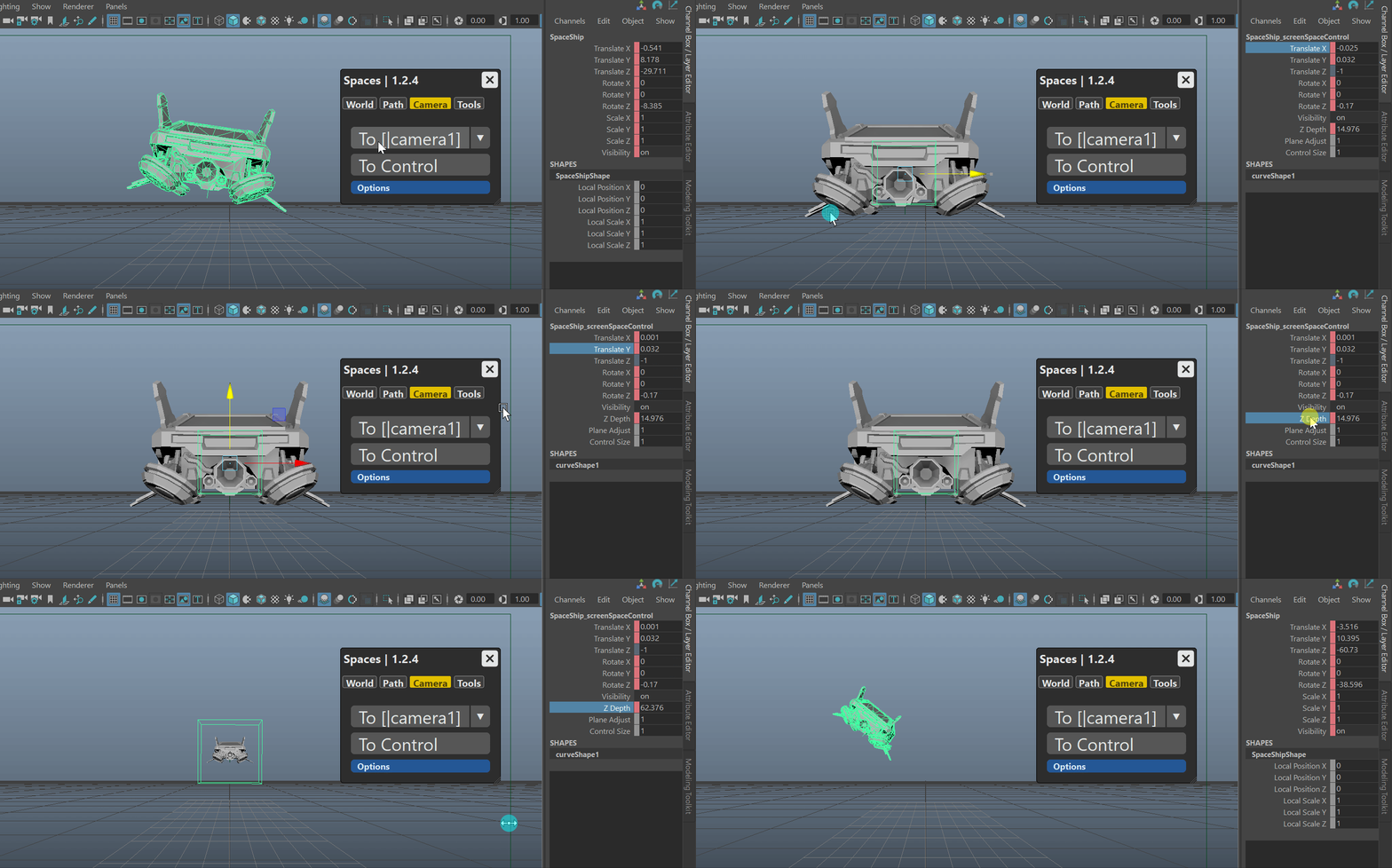
Make animation decisions based on what the camera sees, with screen and camera-space workflows.
Explore retimes while preserving useful key structure for timing passes and polish.
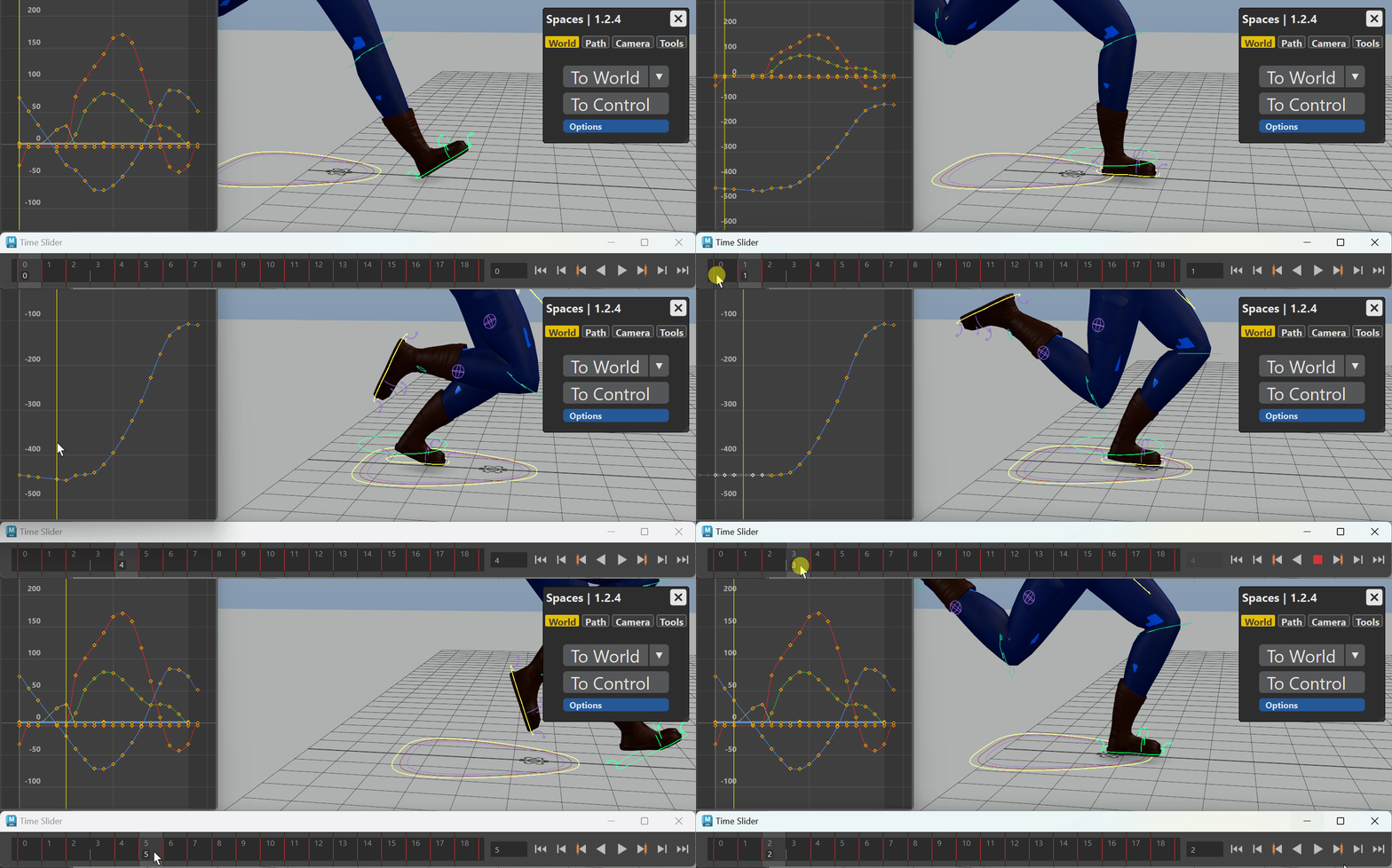
Build quick offsets, helper spaces, and shot-specific controls, then bake when ready.
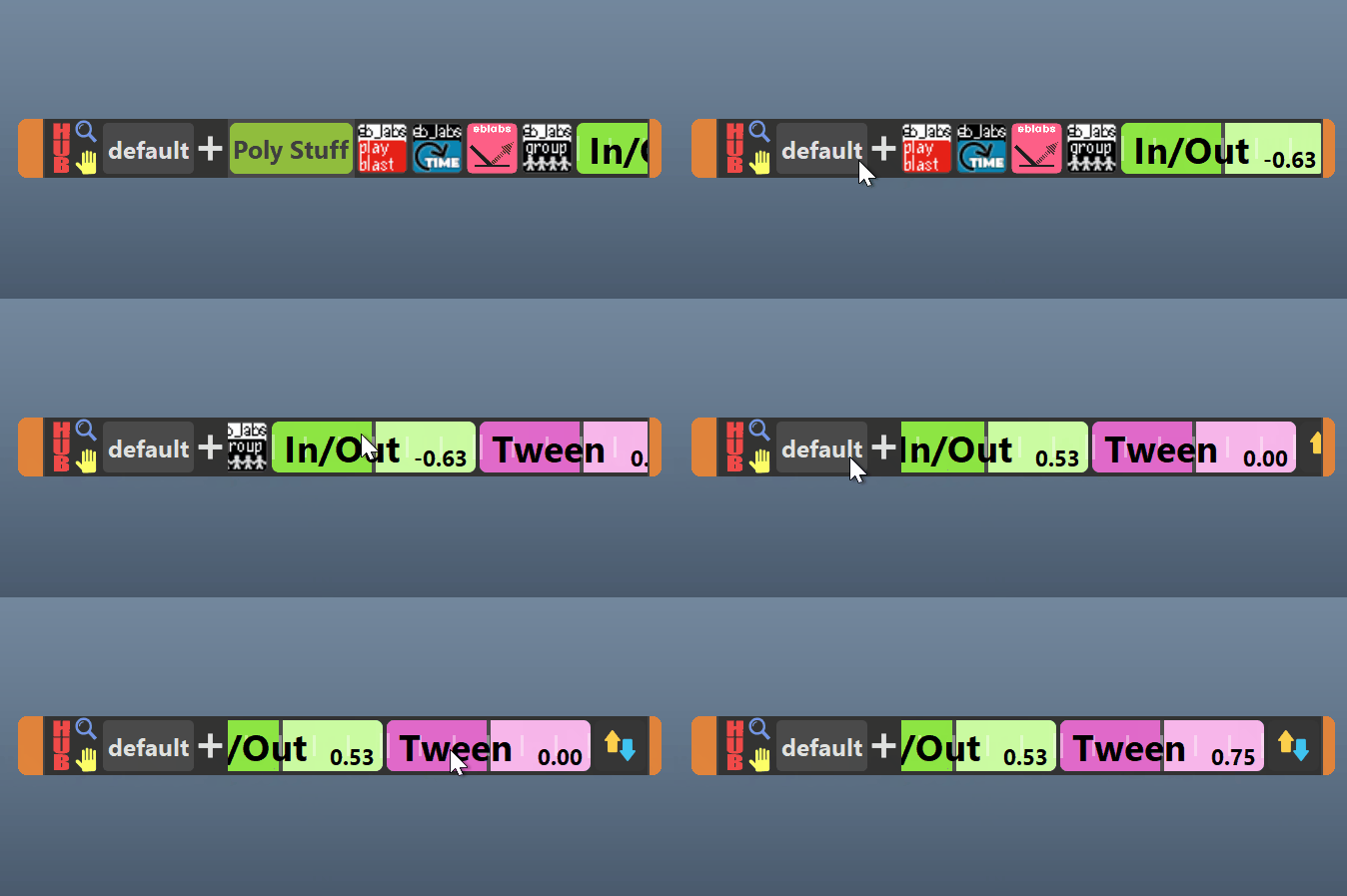
Collect useful animation tools, sliders, and custom actions in one compact workspace.
Simple for individual installs, with options for offline and studio deployment.
Included tools
A growing set of Maya animation tools, packaged together for simpler installs, updates, and licensing.
A compact workspace for daily tools, custom actions, sliders, and workflow shortcuts.
Learn moreWorld, screen, camera, path, parent, and object-space workflows for shaping animation.
Learn moreRetime animation while keeping your keyframes intact.
Learn moreOrganize Playblast, edit reference videos, create sequences and timelines all in Maya.
Learn moreSpaces Tool
Anim HUB
Retime Tool
Setup
Easy for individual artists to install, with deployment options for studios and teams.
Just drag and drop to install, couldn't be easier.
Use the included Package Manager to handle simple updating and manage your tool collection.
Enterprise packages include the tools and guides for in-house distribution.
Social proof
Used in production by artists and teams you may already know.
"A couple favorites include the worldSpace and screenSpace tools - along with the rest I believe they will make as great an addition to your toolset as they have for me!"
"eblabs suite of tools are invaluable to my work flow, I bring them with me where ever I go! Thank you Eric!"
Use your license key to download the software bundle.
From there you can follow the installation guide to get your tools up and running.
Artist is best for individual artists, freelancers, and solo users.
Enterprise is best for studios, companies, schools, and teams that need licenses for multiple people. Each person using the tools needs a seat.
Quantity is the number of license seats you are purchasing.
For Artist licenses, this usually means the number of individual users. For Enterprise licenses, this means the number of people on your team who will use the tools.
After purchase, you will receive a license key by email.
Use that license key in the download manager to access the software bundle and any downloads available for your license.
You can keep using the version you already downloaded, but access to new downloads, updates, and newer versions requires active update/download access.
For subscriptions, access continues while the subscription is active. If the subscription ends, is cancelled, or payment fails, update and download access ends.
Yes. Enterprise licenses are intended for studios, companies, schools, and teams that need to deploy tools for multiple users.
Each person using the tools still needs a license seat.
Buy
Configure edition, billing, and quantity here. Lemon Squeezy checkout handles payment, tax, and receipts.
For individual artists and freelancers.
1 Artist License One-time Purchase
Continue to checkoutFor studios and teams.
5 Enterprise Licenses One-time Purchase
Continue to checkoutPurchased through the previous eblabs site? Access legacy downloads.